

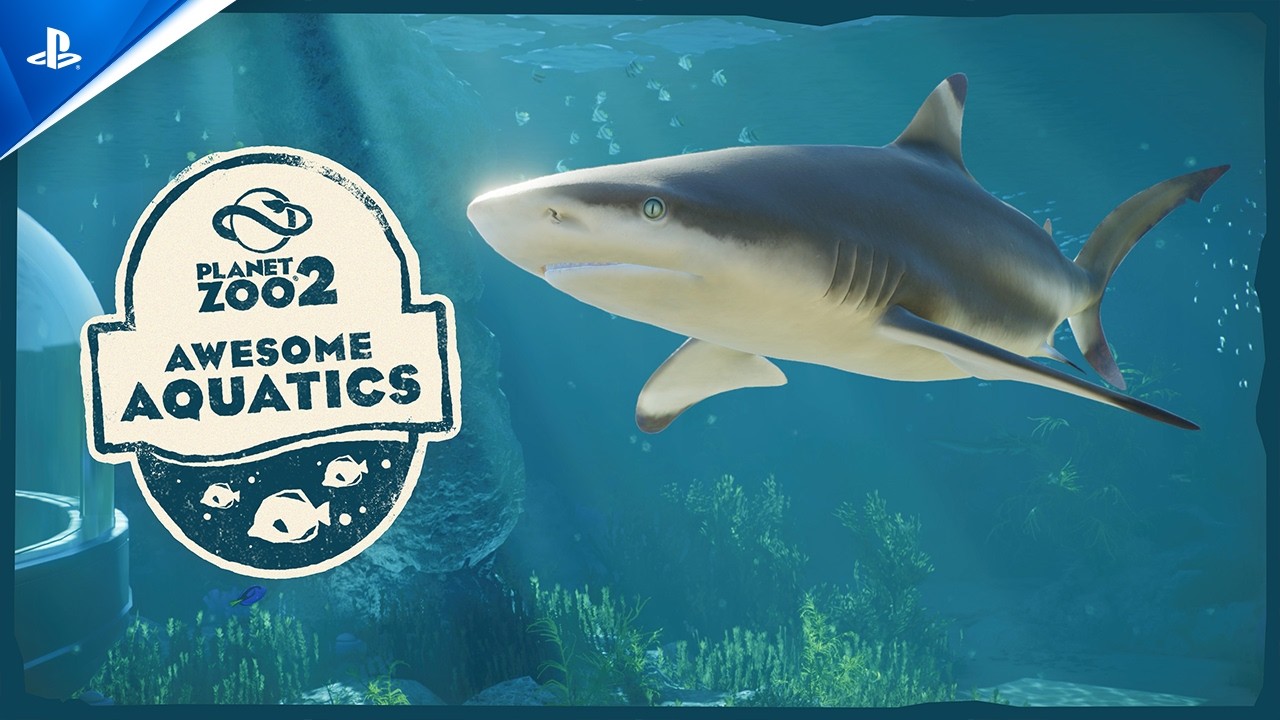
Aquariums and aviaries are two of the biggest new features in Planet Zoo 2. For the first time, it's possible to create real habitats for fish, sharks, sea turtles, and birds capable of free flight. But these facilities require a different approach than traditional land-based enclosures.
How do you build a functional aquarium? Where do you connect the filters? How do you regulate the temperature and salinity? And how do you create an aviary tall enough for the birds to fly and breed?
Here is our guide to building these new habitats, understanding their main mechanics and avoiding the most common mistakes.
Building an aquarium in Planet Zoo 2
Unlike small, prefabricated vivariums, the aquariums in Planet Zoo 2 are fully customizable habitats. You can choose their dimensions, shape, depth, and glass walls, and then create an observation area for visitors.
However, a functional aquarium requires several elements: an enclosed space, an access door for keepers, a filtration system, and environmental conditions suitable for the animals.
Step 1: Choose your species before building
Start by consulting Zoopedia and selecting the species you wish to keep.
In particular, check:
- The type of water needed: fresh, brackish or salt.
- The volume and space required by the animals.
- The water temperature.
- The number of individuals and their social needs.
- Conditions for cohabitation with other species.
The needs of a blacktip reef shark are obviously not those of a small freshwater fish.
Our advice: for a first aquarium, choose a species whose requirements you can meet without immediately building a huge marine complex.
Step 2: Create the walls and install the aquarium door
Open the habitat construction tools, then select Aquarium type barriers.
Draw a perimeter around the area where your future pond will be located. The barriers define the available space for the animals. Also consider the height of the walls: aquatic species truly utilize all three dimensions of their habitat.
Next, install an Aquarium Staff Gate on one of the walls.
This door fulfills two essential functions: allowing intervention by caretakers and serving as a connection point to the technical filtration network.
Connect its access to a staff access route. Leave sufficient space around the door to avoid connection problems with other buildings.
Once the enclosure is recognized as a valid aquarium, you can manage its filling. Tanks can be filled automatically upon creation, but certain placements of doors, paths, or tunnels may prevent this.
Step 3: Install and connect the water filter
This is probably the most important step. In the technical facilities, select a water filter , then place it near your aquarium, in an area accessible to employees.
To connect it:
- Place the filter and check that it has a power supply.
- Select the filter and open the filter network editing tool.
- Create the connection between the filter and the connection point located on the aquarium's technical door.
- Check that the network is active.
- Check that its filtration capacity covers the needs of the pool.
Caution: the filter does not connect directly to any glass surface. For an aquarium, the connection point is located on the technical door.
Natural pools in terrestrial habitats can, however, use water pumps connected to the filtration network.
If your filter appears to be installed correctly but the water remains dirty, first check the connection, electricity, and network capacity before rebuilding your aquarium.
Step 4: Adjust the fresh, brackish, or salt water
Planet Zoo 2 offers three types of water: fresh, brackish, and salt. The salinity setting can be found in the filtration system settings.
It is essential to choose the type of water that corresponds to the species. A technically functional system can perfectly well provide water unsuitable for its inhabitants.

Are you building multiple aquariums? It's possible to share some equipment, but avoid connecting tanks with different salinity requirements to the same system . Changing the settings of a system can affect the different bodies of water connected to it.
Therefore, the simplest way to organize a large public aquarium is to create groups of tanks according to their water conditions.
Step 5: Adjust the temperature
Water quality depends on more than just cleanliness. Some species also require a specific temperature. Consult their entry in Zoopedia to find the appropriate beach area.
In an aquarium, check the environmental settings associated with the habitat and its technical door. For natural bodies of water connected to a pump, the temperature setting may be found directly in the pump's parameters.
This is an important detail: installing ground heating next to a pool does not necessarily replace adjusting its hydraulic system.
Also consider the seasons. In Planet Zoo 2, changes in outside temperature can affect the animals' living conditions. Therefore, you must continue to monitor the facilities even after they are built.
Step 6: Furnish the interior and welcome the animals
Is your aquarium fed and properly filtered? Now all that's left is to make it habitable.
Select equipment compatible with the species: food, aquatic vegetation, natural decorations, enrichment items and possible resting areas.
Not all animals use their aquarium in the same way.
The developers have specifically designed behaviors adapted to different depths. Some species prefer to stay near the surface, while others frequent the lower areas of the pond.
A very wide but shallow aquarium is therefore not necessarily suitable for all species.
Once the conditions are right, adopt the animals from the exchange system, then transfer them to their new habitat. Immediately check their welfare indicators.
Frontier details these features in its official presentation Creature Feature: Aquariums.
Maintaining an aquarium: filtration and cleaning are not the same thing.
This is a key distinction in Planet Zoo 2. The game separates water cleanliness from tank cleanliness.
The filtration system treats the water. The keepers, for their part, must intervene in the aquarium to maintain it.

If your filter is showing sufficient efficiency but the overall cleanliness of the pool is decreasing, the problem may be with the staff rather than the hydraulic system.
Then check that caretakers are available, that they can reach the access gate and that their workload allows them to intervene.
Mechanics also play a role in maintaining technical installations and barriers. Don't neglect the condition of the walls, especially on large aquariums.
Tip: Before doubling the filtration capacity, check which cleanliness indicator is actually declining. This will prevent you from wasting money.
How to create an aquarium that visitors can walk through?
Planet Zoo 2 allows you to design underwater observation areas with large glass surfaces and tunnels integrated into the aquariums.
The idea is to have visitors move around in the middle or under part of the habitat, while allowing them to observe the animals.
Plan for these arrangements from the design stage of the pool: tunnels take up space, can complicate the placement of barriers and require consideration of visitor traffic.
Also avoid multiplying observation points around the most sensitive animals.
Some people can experience stress when exposed to high visitor traffic. Signs asking visitors not to bang on the windows are one way to limit certain nuisances.
A beautiful underwater gallery must therefore remain compatible with the well-being of the animals.
Building an aviary for flying birds
The second major new feature of Planet Zoo 2 is the introduction of true flying birds. The toco toucan, the secretary bird, and other species now have behaviors that allow them to move in three dimensions within specially designed enclosures.
Aviaries use traditional construction tools, with one major difference: they must have a roof.

Step 1: Create an enclosed area
Start as you would for a terrestrial habitat.
Draw a complete perimeter using the barriers, then add a gate for the keepers. Connect this gate to a path accessible to staff.
Determine the size of the aviary according to the species and the number of animals planned.
Note: a large ground area does not necessarily guarantee sufficient flight space. Height is also important.
Step 2: Automatically generate the roof
Planet Zoo 2 includes a roofing tool specifically designed for habitats. Select the enclosure, then use the Add Roof function.
The game automatically generates a cover connecting the structure's posts. The initial result is usually relatively flat.
You can then customize the shape of this roof to create a more realistic aviary. This system eliminates the need to manually construct an entire ceiling from decorative pieces.

Step 3: Adjust the height using the support posts
To create a true aviary, select the roof support posts.
Place them inside the habitat and adjust their height. The roof automatically adapts its geometry to follow the support points.
You can also change their orientation as well as the material and curvature of the cover.
This allows, in particular, the creation of aviaries in the shape of tents, domes or irregular structures.
Our advice: start with a simple roof, then gradually add posts to increase the height in the center of the habitat. Next, consider the available flight space rather than relying solely on the building's appearance.
Step 4: Check the actual available space for flying
Once the structure is complete, select the aviary and view its information.
The game notably distinguishes between ground space and space usable for flight ( Flyable Area ).
Compare this value to the species requirements, which can be seen in the animal's information.
If the flight space is insufficient, several solutions are possible: enlarge the aviary, increase the height of its roof or review the arrangement of the posts and obstacles.
Also consider the elements inside. An aviary filled with decorations can be magnificent, but it must maintain suitable movement paths.
Perches, food and nests: setting up a functional aviary
Birds do not necessarily spend their entire day flying.
Some prefer to perch regularly in trees or on suitable structures. Others spend a significant portion of their time on the ground or in shallow water.
This difference depends on their species.
For tree-nesting birds, provide accessible trees and perches. For wading birds, prioritize a layout that includes suitable ground areas and water sources.
Add feeding and enrichment equipment compatible with your residents.
Which nests should be chosen for breeding birds?
Planet Zoo 2 offers several types of nesting sites.
Among the facilities officially presented are cavity nests, cup nests, platforms on the water and mud nests.
Each species has its own preferences. Therefore, simply placing any nest is not enough to guarantee reproduction.
Check the animal's needs, install the appropriate type of nest, and ensure it remains accessible.
The cavity nests even have a camera system allowing observation of the eggs and young birds.
To promote reproduction, also monitor the well-being of the adults, the composition of the group and the conditions of their habitat.
These features are presented in the official Creature Feature: Aviaries folder.
Can several species be mixed in an aviary?
Yes, cohabitation is possible under certain conditions.
However, not all species can freely share the same space.
Before mixing birds, check their compatibility in Zoopedia, their environmental needs, their flight space and their social behavior.
Some species can also coexist with terrestrial animals.
Therefore, habitats must be designed taking into account all of their occupants, and not just birds.
It is better to start with a single species, stabilize its well-being, and then consider cohabitation when the conditions are right.
Can visitors enter an aviary?
Yes, some aviaries can be walked through by visitors.
This functionality depends in particular on the species housed and the security conditions.
If the animals are compatible with this type of installation, you can provide access for visitors and create a path through the aviary.
However, be aware of the stress: allowing the public into a habitat does not mean that all animals will tolerate constant interaction.
Create quiet zones and observe the reactions of your residents after opening.
Planet Zoo 2: Solving common aquarium and aviary problems
Since the game's launch on October 13, 2026, early players have reported several difficulties related to these new constructions.
Here are the main points to check before starting your home renovation.
My filter displays "Invalid Rotation"
Check the orientation of the filtration building.
A white arrow indicates the side used by staff to enter. If this access faces an obstacle or an inaccessible area, seating may be refused.
Try rotating the installation 180 degrees and make sure the ground is sufficiently flat.
In certain Career mode scenarios, objectives must also be completed in the order requested by the tutorial.
My aquarium is not filling up
Start by inspecting the perimeter and the technical door.
A path, tunnel or structure that is too close can cause an obstruction problem.
Try moving the door to another part of the wall and check that no element overlaps the space needed for filling.
These manipulations have made it possible to resolve some cases, but they do not constitute a universal fix.
My water remains dirty despite the filter.
Open the aquarium information and check the cleanliness of the water and the tank separately.
If the problem is related to the water, check the filter's power supply, connections, and its capacity in relation to the network's needs.
If the problem concerns the pool, ensure that the caretakers can intervene and have the necessary time to clean it.
It is impossible to change the salinity.
The setting for fresh, brackish or salt water is done in the filtration network settings.
Select the relevant filter rather than searching only in the settings for animals or barriers.
Also check that you have selected the correct network if your zoo has multiple aquariums.
My bird cannot fly
A bird that stays on the ground is not necessarily the victim of a bug.
Frontier has predicted different behaviors depending on the species. Some birds prefer to walk, while others more readily use perches and flight.
First, check its state of well-being and the available flight space.
If the dwelling is too small or the roof is too low, enlarge the structure or adjust the support posts.
My birds are not reproducing
First, check that you have a compatible breeding group and suitable nests.
Also monitor the social needs, welfare, and breeding period of the species.
The absence of a suitable nest can prevent birds from successfully reproducing, even when the rest of the aviary appears satisfactory.
The game crashes during the construction of the aquarium.
Several players have reported crashes when placing the technical door, particularly in Career mode missions.
Some community workarounds, such as pausing the game before placing the gate, temporarily moving paths or changing its location, have allowed some players to bypass the problem.
However, these are not officially guaranteed fixes.
You can consult our article dedicated to Planet Zoo 2 crashes and launch problems for other solutions available on PC.
The right reflexes for successful habitats
Whether it's an aquarium or an aviary, the best method is to prepare the setup before welcoming your first animals.
Choose the species in the Zoopedia, consult its needs, build the appropriate structure, prepare staff access, install the necessary equipment and then monitor the welfare indicators after the animals arrive.
Don't immediately try to build a gigantic aquarium or a spectacular aviary. Simple installations allow you to understand the mechanics before embarking on more ambitious projects.
To also master the management of your establishment, check out our Planet Zoo 2 guide to get started without breaking the bank.
With aquariums and flying birds, Planet Zoo 2 opens up new construction possibilities. But as with terrestrial habitats, the principle remains the same: design an environment suitable for the animals before trying to impress visitors.


